
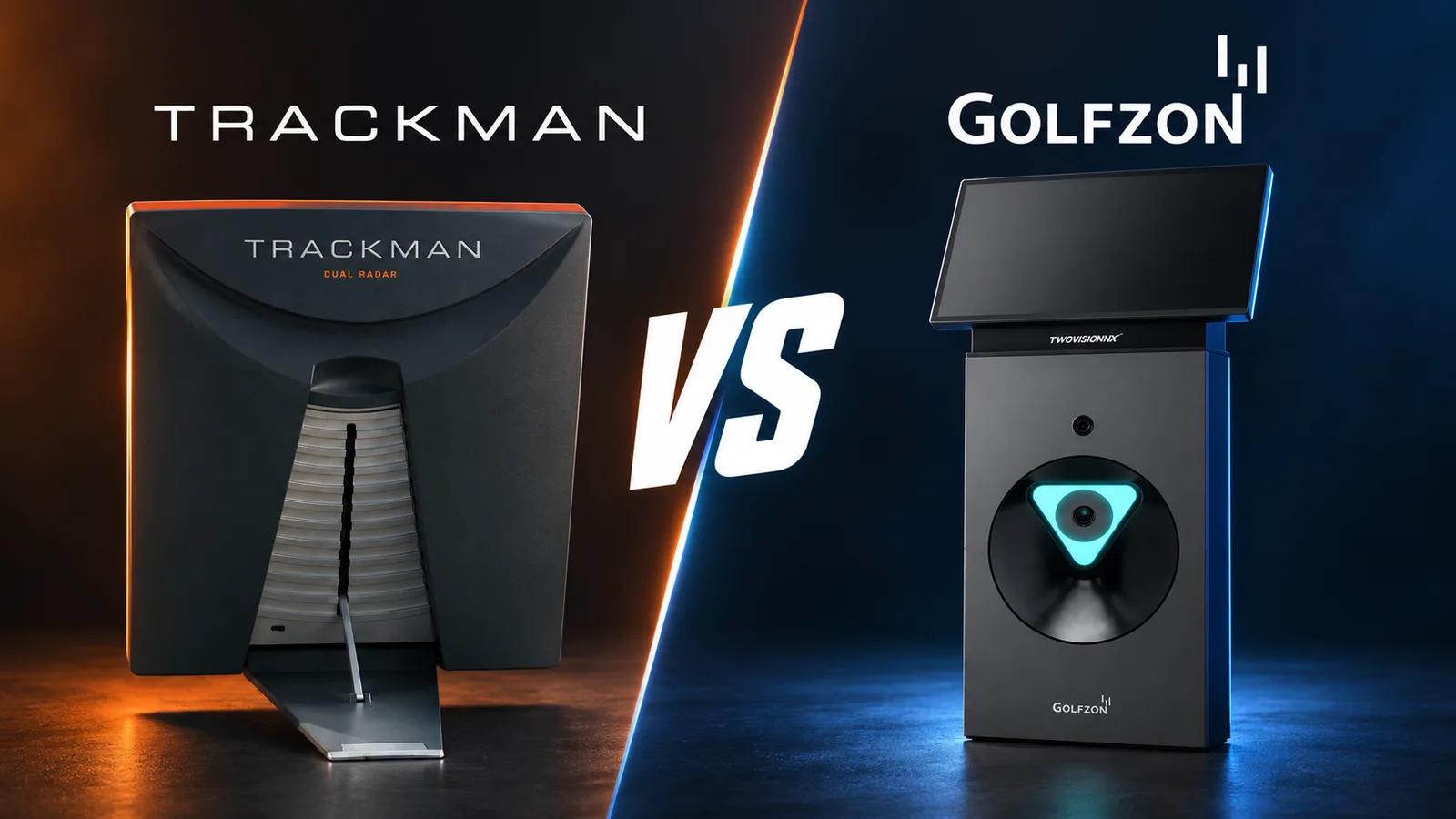
If your main goal is to understand your swing and make practice more purposeful, Trackman is our choice. You can connect club and ball data with video, work on a specific task, then test your decisions on a virtual course. Its widespread use at the top of professional golf adds a strong reason to trust it as a practice tool. Together, these are why we use Trackman 4 throughout Smash Factor.
Golfzon can also provide useful practice and an engaging playing experience. The important difference is the set of tools you will actually use, and how easily they help you answer a question about your game.
This guide is written by Smash Factor, a Trackman-equipped studio in Hong Kong. It explains our preference, drawing on our experience and official product information checked on 3 October 2026.
First, which Trackman and Golfzon systems are you comparing?
The brand name alone does not describe every simulator bay.
- Trackman 4 with Trackman Performance Studio: the launch monitor and software combination we use at Smash Factor. Trackman also makes other hardware, including the indoor-focused iO; specifications are not identical.
- Golfzon GDR: a driving-range and practice product family. It should not be treated as simply an arcade system.
- Golfzon TwoVision and TwoVision NX: course-play systems with practice functions as well. The generation, installed software and room equipment affect what is available.
Hinson has used both GDR and TwoVision. In the installations he tried, the practice experience felt more like a driving range with a simple data display. What he values in Trackman is the extra help in working with that feedback: AI-assisted lines on video, shot comparison and modes with a defined practice purpose. That is his experience of those setups, rather than a specification for every Golfzon version.
Why is Trackman so widely used in professional golf?
There is evidence behind Trackman’s tour reputation. In August 2025, the PGA TOUR announced that its relationship with Trackman would continue through 2030, describing its use in tracking, broadcasts and helping players refine their skills. This is an established working relationship, not simply a simulator logo endorsement. Read the PGA TOUR announcement.
Separately, Trackman reports that approximately 90 of the world’s top 100 players use its technology. See Trackman’s references.
The useful lesson for an amateur is how the feedback is used. In an account of Rory McIlroy’s wedge practice, Trackman describes him checking club path and face data against the shot he wants to produce. The numbers help him check whether the movement he feels is producing the intended delivery. Read the practice example.
That level of tour adoption is a compelling reason we favour Trackman for practice. Players preparing for competition use it to check details that matter to their shot control. For a golfer deciding where to spend practice time, that is meaningful evidence of its place in serious training.
You can apply the same principle without copying a professional’s numbers: choose a question, make a swing, then check what happened. The benefit is access to detailed feedback you can learn to use, even if you are nowhere near tour level.
What makes Trackman useful for practice?
Trackman’s strongest case is how its tools work together. You can investigate a shot, see the movement behind it and choose a task that tests what you are working on.
Understand what produced the shot
Trackman 4 combines radar and optical technology and provides detailed club-delivery and ball-flight information. Three useful examples are:
| Data | What it helps you understand |
|---|---|
| Club path | The clubhead’s horizontal direction through impact relative to the target line. |
| Face-to-path | Where the clubface points relative to the clubhead’s path at impact. |
| Attack angle | Whether the clubhead is travelling upwards or downwards at impact. |
Trackman’s technical specifications identify the available parameters; its definitions explain what they describe.
For example, if your iron shots keep finishing to one side, you have more to investigate than the final distance. You can look at delivery, contact and the resulting flight together. One number on one shot will not explain every miss, but a pattern across several shots gives you something concrete to discuss or practise.
See the movement with video and AI-assisted lines
Trackman’s AI Motion Analysis can add visual guides to swing video, such as shoulder and hip lines. It also supports navigating key swing positions and comparing movement. These tools make it easier to examine a particular part of the swing without manually drawing every line. Trackman explains the video-analysis features here.
At Smash Factor, we use dual-angle replay and comparisons to make an explanation easier to see. If you are working on the backswing, for example, you can watch how your body turns, compare swings and relate what you see to what you felt.
A tour-player reference can help illustrate a movement. It is not a requirement to copy that player’s positions, and an overlay does not decide which change is right for you. Its value is making the conversation and your next attempt clearer.
Give each shot a purpose in Performance Center
Performance Center can present changing targets within a chosen distance range and provide strokes-gained feedback against a selected benchmark. In plain language, it evaluates the shot result relative to that reference, expressed in strokes gained or lost. See Trackman’s Performance Center guide.
You might choose a comfortable wedge-distance range and let the target change. Before each shot, select the club and swing you intend to use. Afterwards, review the result. Are you repeatedly short? Do some distances leave a wider spread than others?
Hinson highlights this mode because the changing target gives a session a clear focus. It asks you to make a decision and execute it, rather than simply repeat the last swing. You can then choose what deserves attention in the next session.
Build a reference you can return to
Trackman’s wider software includes Map My Bag, which organises club distances and dispersion, and structured testing tools. Test Center supports custom tests, while Trackman Combine is a standardised 60-shot assessment. These offer ways to check your usual performance over time. Map My Bag overview · Trackman Performance Studio guide.
Ask the venue to show you the tools enabled on its setup. You do not need to use everything at once. A useful starting point is one club, one question and a record you can compare with a later session.
How much practice can you do on Golfzon?
Golfzon has genuine practice tools. Its GDR Standard documentation describes shot analysis, swing capture, tempo work and club fitting. TwoVision’s myPractice documentation includes driving-range, approach and putting areas, along with club-path, face-angle and face-to-path information. Newer TwoVision NX software also lists short-game and putting practice. GDR Standard · TwoVision myPractice · TwoVision NX software.
So the useful comparison is what you can do with the feedback in the actual bay you are booking. Ask to see how it handles a task, such as comparing two swings or practising changing target distances, rather than judging from the presence of a data screen alone.
Our preference remains Trackman for a regular practice routine. We value being able to connect an explanation on video with shot data, then move into a focused task such as Performance Center. That is the experience we want golfers to learn to use independently at Smash Factor.
What makes Trackman virtual golf feel close to the real game?
Trackman describes its real-course recreations as built from LiDAR scans, with the scanned properties rendered by its team. LiDAR uses laser measurements to capture the shape of a place, providing a basis for recreating course terrain. Trackman advertises a virtual library of more than 500 courses; check with the venue if a particular course matters to your visit. Trackman’s course-creation description · Course library · Simulator overview.
For us, the appeal is the combination of detailed scenery and familiar golf decisions. You look at the hole, choose where to aim, consider the trouble and select a club. The visuals help give the hole a sense of place, while each shot asks you to commit to a decision.
Hinson finds Trackman’s course play closer to the rhythm of traditional golf. His experience of TwoVision places more emphasis on game presentation, sounds and entertainment. GDR felt more focused on range practice and less on that entertainment experience.
Why do our customers find Trackman more challenging?
Customers tell us they tend to shoot lower scores on Golfzon, with shots feeling straighter and travelling farther than on Trackman. That is feedback from their playing experience; courses, tees, software and putting settings can all affect the comparison.
In our sessions, we find Trackman’s rough particularly demanding: the displayed reductions in power and spin make us think carefully about the next shot. A ball sitting in the rough is a reason to reconsider the club, landing area and whether attacking the green is sensible. Trackman’s Virtual Golf 3 also displays the lie’s sideways and uphill or downhill angles. See Trackman’s Virtual Golf 3 features.
We like that emphasis on managing a hole. There is satisfaction in a good score, but there is also value in learning when to take a safer target. For golfers who enjoy that challenge, it is another reason we recommend trying Trackman. The different scores alone do not establish which system measures shots more accurately.
Golfzon’s physical features can also be appealing: compatible setups offer moving swing plates, different hitting surfaces and automatic teeing. Golfzon describes these configurations here. Trackman also offers games and competitions, so either brand can support a social session. Try the actual setup to decide which playing experience you prefer.
Do realistic graphics mean more accurate golf?
Course graphics, shot measurement and physical feel are different things. LiDAR helps with course reconstruction; it does not measure your shot or prove that one launch monitor is more accurate than another.
Indoors, the ball reaches the screen and the software models the remaining flight. Setup, alignment, hitting conditions and software all matter. Neither system fully recreates outdoor turf, weather and every lie, so an indoor score is not a promise of the same result on a course.
We choose Trackman for its combination of tour use, detailed feedback and practice tools. A useful way to judge it is to see whether it helps you understand and repeat a task that matters to your own golf.
Try a practice task before choosing a system
Bring one question to a trial session. For example: “How consistent is my distance with this iron?” Then try this sequence:
- Hit several shots at the same target. Look at the pattern, including ordinary misses, rather than keeping only the best result.
- Review a relevant swing or comparison. Ask what the data and video each show. Keep the explanation focused on one issue.
- Try a changing target. Notice how choosing a different shot affects your result.
- Write down what you would practise next. A useful session should leave you with a direction you can understand.
That is where Trackman stands out for us: it gives us several ways to help you move from seeing a result to knowing what to work on. Beginners can start with a small amount of feedback and learn more as it becomes useful. Our indoor-golf guide covers the practical details of a first visit.
At Smash Factor, every bay has Trackman 4, dual-angle swing replay and 4K projection. You can try the setup during a free 30-minute introduction by appointment in Kwun Tong. Tell us what you want to understand, and we can show you a relevant starting point. Explore the equipment or book your free introduction.
For a comparison of the actual venues, prices and access arrangements, see Smash Factor vs Golfzon Kowloon Bay.